
Have you ever given any thought to the read receipts on your text messages?
If you don’t know what I’m talking about, it’s the text under your sent messages that tells you if the message has been delivered, and if read receipts are turned on, it will show the item has been seen by your recipient.
Handy, right? Particularly handy if I send a message to my grocery-shopping roommate to grab some bananas – and I can tell if she’s seen it. She doesn’t necessarily have to respond, I know she’s seen it.
Here’s the bad part: if you turn them on globally for all messages (which is the default), those receipts are also going to the people who are based in the Phillipines that are sending you messages about overdue road tolls you supposedly owe (we all get them). In other words, they know you’ve seen it. Same goes for all the other places that text you – it’s a confirmation their message is getting through to actual eyeballs. There’s quite a difference between delivered and read.
The good news is that you can set up your phone to handle both scenarios. Set the default to no, and selective people yes. This is what it looks like in iOS 18.
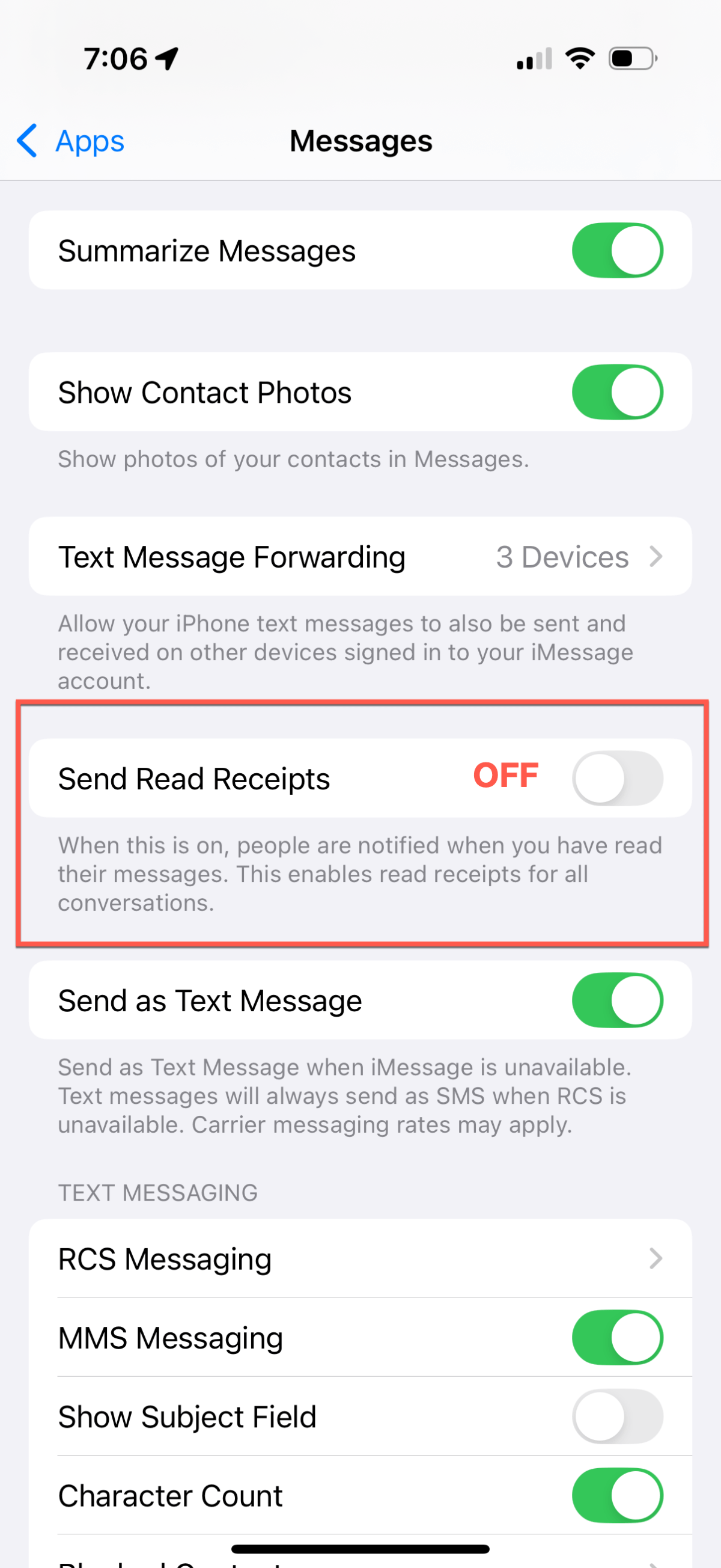
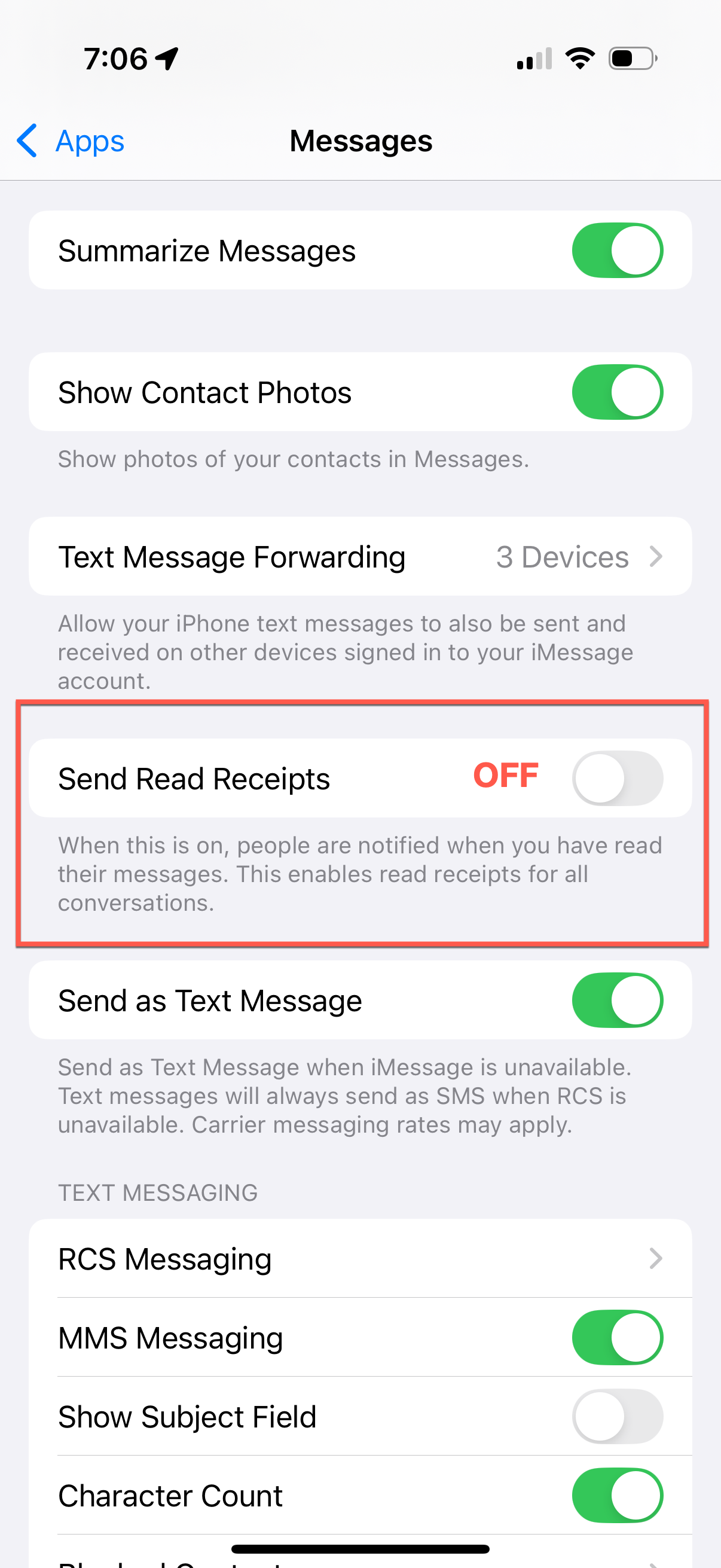
First, change the default settings – under Settings > Apps > Messages – make sure Send Read Receipts is set to OFF.
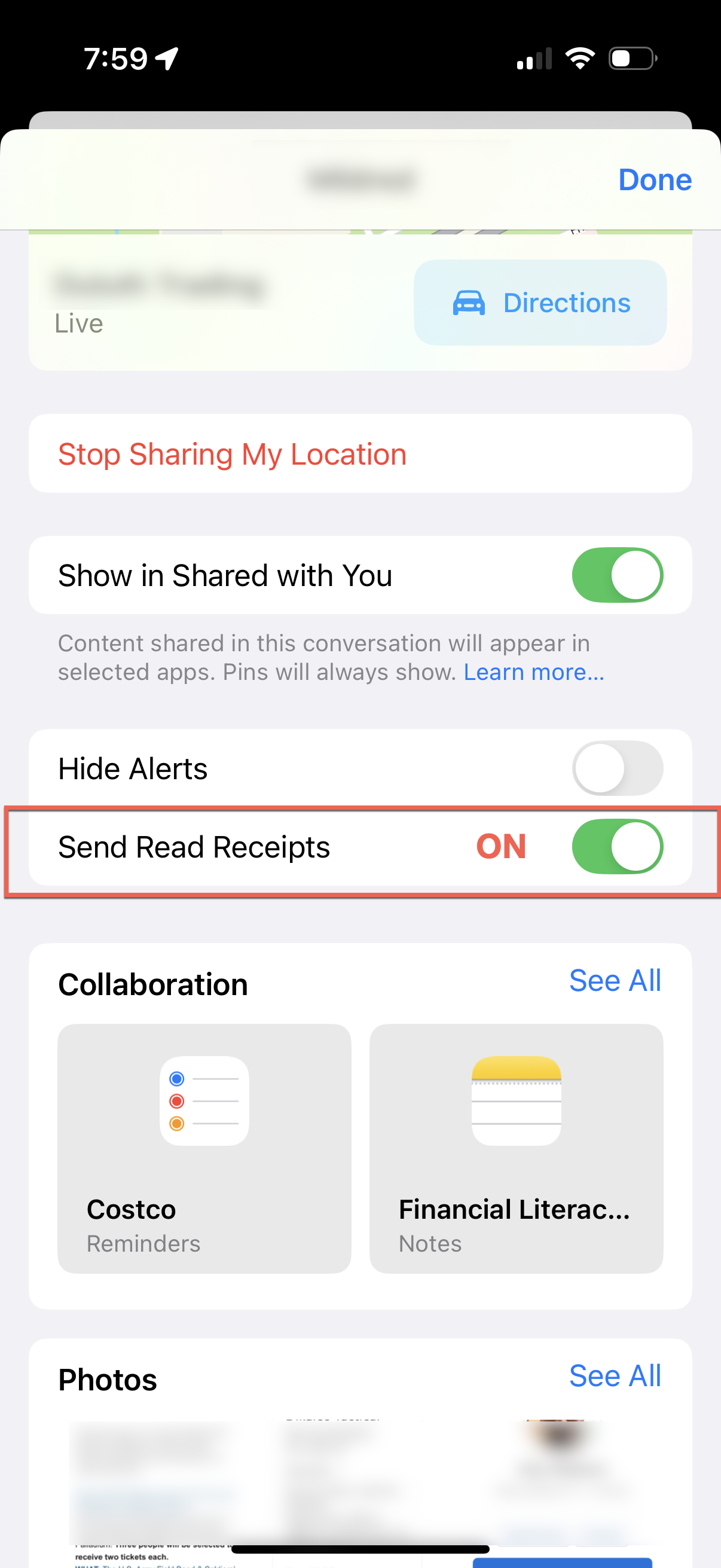
To enable sending read receipts to a single person, go to Messages, open the thread for the person you want to enable, and top on their avatar/image/contact photo. Scroll down, and you’ll see the option to Send Read Receipts for that one person.
Go forth, text, and (selectively) send receipts. Safely.
Cross-posted at Bridegroom Technologies
 Beyond The Defaults